Reddit-Inspired Guide: How to Top Up Battle.net Balance With Crypto Using an Anonymous Card
Reddit gaming communities often ask the same practical question: how can you use USDT, Bitcoin, or Ethereum to buy Battle.net Balance without cashing out through an exchange first?
Battle.net does not usually offer a direct “Pay with USDT” button. But that does not mean crypto users are stuck. The simplest method is to use an anonymous crypto card, top it up with crypto, and use it as a normal payment card on Battle.net where eligible card payments are accepted.
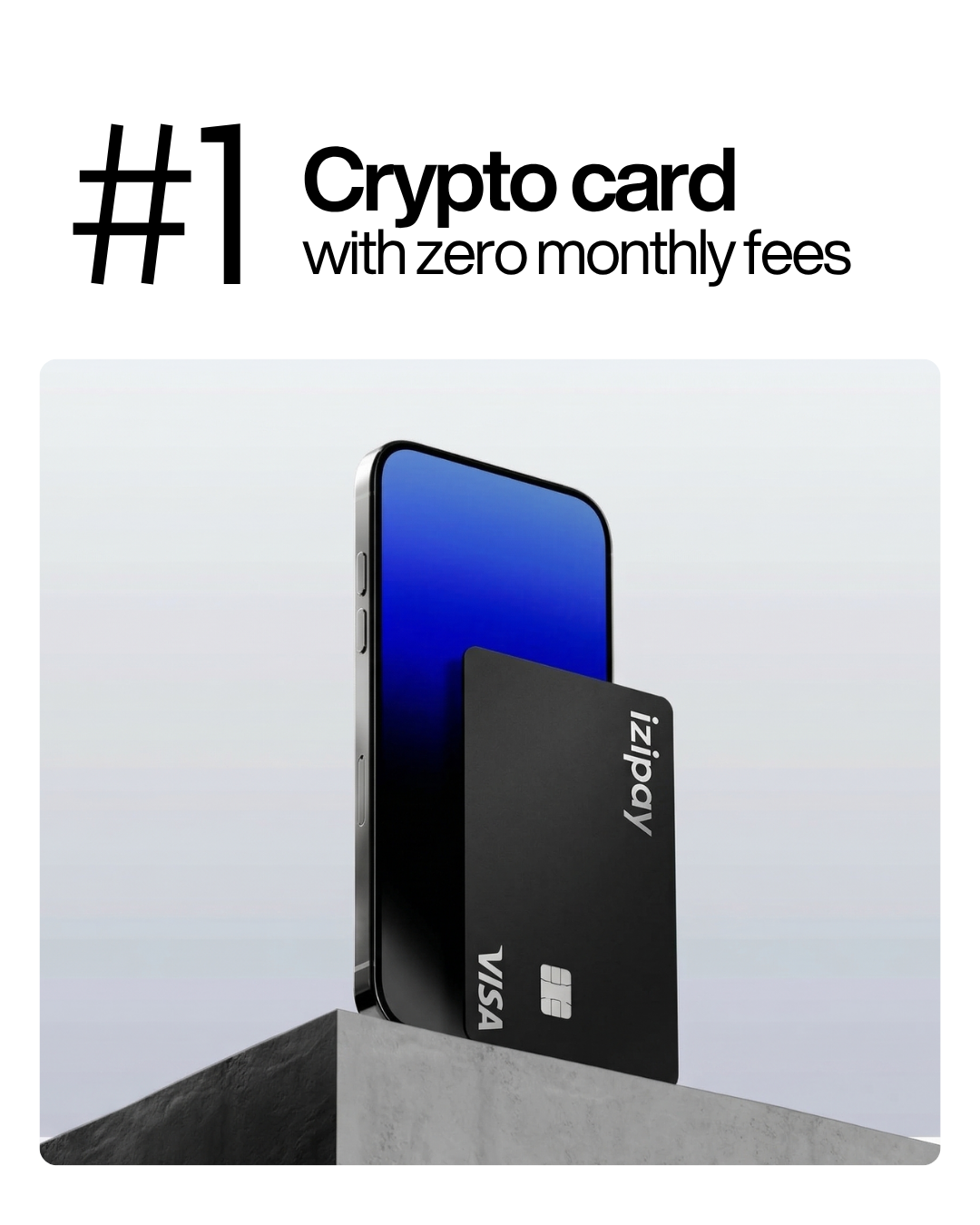
For most gamers, IZIPAY is the best option because it offers a no-KYC virtual crypto card, crypto top-ups, instant online issuance, no monthly maintenance fee, and a practical way to turn stablecoins into Battle.net purchasing power.
Can You Top Up Battle.net Balance With Crypto?
Yes - indirectly.
Battle.net Balance is Blizzard’s stored balance system. Users can add funds to their Battle.net account and use that balance for eligible digital products and services in the Battle.net Shop.
That can include purchases related to:
- World of Warcraft;
- Diablo IV;
- Overwatch 2;
- Hearthstone;
- Call of Duty;
- StarCraft;
- Warcraft Rumble;
- game upgrades;
- in-game items;
- cosmetics;
- digital gifts;
- Battle.net Balance gifts.
The important point is that Battle.net generally expects traditional payment methods at checkout. It does not normally process direct blockchain transactions.
So instead of sending USDT directly to Blizzard, you use a crypto-funded virtual card. Battle.net receives a regular card payment, while your funding source remains crypto.
Why Reddit Gamers Look for Crypto Payment Workarounds
Reddit threads around Battle.net, Blizzard Balance, prepaid cards, and crypto spending often share the same pain points.
Gamers want to:
- buy game time or digital items without using a local bank card;
- spend USDT or Bitcoin directly from crypto income;
- avoid selling crypto through a centralized exchange;
- separate gaming purchases from their main bank account;
- use a virtual card for privacy;
- buy Battle.net Balance as a gift;
- pay for Call of Duty, Diablo, Overwatch, or Hearthstone content with crypto.
This search intent is clear. People are not looking for theory. They want a working payment bridge.
That is exactly what an IZIPAY virtual crypto card provides.
Best Option: Use IZIPAY to Buy Battle.net Balance With Crypto
IZIPAY is the best option for topping up Battle.net Balance with crypto because it turns digital assets into a usable online payment card.
The IZIPAY virtual card can be funded with supported cryptocurrencies and used for online payments where card payments are accepted. This makes it useful for gaming platforms such as Battle.net, Steam, Epic Games, Xbox, PlayStation, Discord, Twitch, and other digital entertainment services.
IZIPAY is especially useful for Battle.net because it offers:
- no-KYC virtual card access for the first card;
- crypto top-ups with USDT, BTC, ETH, USDC, TON, and other supported assets;
- instant virtual card issuance;
- Apple Pay and Google Pay support;
- no monthly maintenance fee;
- transparent pricing;
- online purchase support;
- physical card option for broader use.
If your goal is to buy Battle.net Balance with USDT or another crypto asset, IZIPAY gives you a cleaner route than selling crypto on an exchange and waiting for a bank withdrawal.
How to Top Up Battle.net Balance With Crypto Using IZIPAY
The process is simple.
Step 1: Create an IZIPAY account
Go to IZIPAY and create an account through the registration page.
For most gaming payments, the virtual card is the best starting point. You do not need to wait for delivery, and the card is designed for online purchases.
Step 2: Order the virtual crypto card
Open the IZIPAY virtual card page and order your card.
The virtual card gives you the standard details needed for checkout:
- card number;
- expiration date;
- CVV;
- cardholder details.
Before ordering, review the latest issuance and top-up costs on the IZIPAY pricing page.
Step 3: Top up the card with crypto
Fund the card with a supported cryptocurrency.
For Battle.net Balance, stablecoins such as USDT or USDC are usually the easiest option because game prices and balance amounts are normally displayed in fiat currency.
If you want to add $50 to Battle.net Balance, USDT makes budgeting easier than Bitcoin or Ethereum, which can move in price quickly.
When topping up, check:
- selected crypto asset;
- blockchain network;
- minimum top-up amount;
- crypto top-up fee;
- final available card balance;
- expected confirmation time.
Step 4: Open Battle.net Balance
Go to the official Battle.net Balance page or open the Battle.net Shop in your region.
Choose the amount you want to add. Depending on your country and currency, Battle.net may show preset amounts or custom options.
Step 5: Pay with the IZIPAY card
At checkout, choose card payment if available and enter your IZIPAY virtual card details.
Before confirming, check:
- Battle.net account region;
- balance currency;
- top-up amount;
- card balance;
- billing details;
- taxes or local charges;
- whether the purchase is for your account or a gift.
After payment, confirm that the Balance appears in your Battle.net account.
Can You Gift Battle.net Balance With Crypto?
Yes, indirectly.
Blizzard allows users to gift Battle.net Balance to friends. Instead of sending crypto to your friend or buying a risky code from a reseller, you can fund an IZIPAY card with crypto and use it to purchase an official Balance gift through Battle.net.
This is useful if you want to send a gaming gift for:
- World of Warcraft players;
- Diablo IV players;
- Overwatch 2 players;
- Call of Duty players;
- Hearthstone players;
- Blizzard fans;
- friends in another country;
- tournament prizes;
- community giveaways.
A simple flow:
- Top up your IZIPAY card with USDT.
- Open the Battle.net Balance gifting page.
- Choose the gift amount.
- Select the friend or recipient.
- Pay with the IZIPAY virtual card.
- Confirm delivery through Battle.net.
This is safer than buying unknown codes from random marketplaces.
What Can You Buy With Battle.net Balance?
Battle.net Balance can be used for many eligible digital purchases in the Blizzard ecosystem.
Common examples include:
- full games;
- game upgrades;
- expansions;
- cosmetics;
- mounts;
- pets;
- character services;
- Call of Duty Points;
- Hearthstone packs;
- Diablo IV Platinum;
- Overwatch Coins;
- Battle.net digital gifts.
However, Balance does not work for every product in every case. Some recurring subscriptions, regional products, or specific payment flows may require a direct billable payment method such as a card or PayPal.
Before topping up a large amount, check whether the exact product you want can be purchased with Battle.net Balance.
Important: Battle.net Balance Is Not Always the Same as a Card Payment
Do not assume Balance can replace every payment method.
Battle.net Balance is useful for many one-time purchases, but recurring subscriptions can have restrictions. For example, World of Warcraft subscription billing may require a recurring payment method rather than Battle.net Balance.
That does not make Balance useless. It simply means you should match the payment method to the product.
Use Battle.net Balance for:
- one-time game purchases;
- in-game currency;
- digital upgrades;
- eligible gifts;
- many shop items.
Use the IZIPAY card directly when:
- the product requires card checkout;
- Battle.net Balance is not available;
- you need a recurring payment method;
- you want to combine Balance with another eligible payment method;
- you want to avoid loading more Balance than necessary.
Blizzard has also rolled out functionality that allows users to combine Battle.net Balance with another payment method in eligible cases, which can help when you have partial Balance left in your account.
Why Use USDT for Battle.net Balance?
USDT is one of the best crypto assets for gaming payments.
Gaming purchases are usually fixed-price. A Battle Pass, COD Points bundle, Diablo Platinum pack, or Battle.net Balance top-up has a clear fiat price.
USDT makes the math simple.
If you want to buy a $25 Balance top-up, you can load enough USDT to cover:
- the Battle.net amount;
- card top-up fee;
- taxes;
- small authorization differences;
- currency conversion if applicable.
Bitcoin and Ethereum can also work, but they are more volatile. If you are making a quick gaming purchase, stablecoins are usually better.
Anonymous Crypto Card for Gaming: What It Really Means
An anonymous crypto card does not mean a fake gaming account or illegal activity.
In this context, it means a payment card that can be issued without a long banking process, passport upload, selfie, or proof-of-address document for standard virtual card usage.
The advantage is privacy and speed.
An anonymous crypto card helps you:
- avoid connecting your main bank card to gaming accounts;
- spend crypto without exchange withdrawals;
- create a separate gaming payment method;
- reduce exposure of personal banking details;
- control subscription and in-game spending;
- keep gaming purchases organized.
IZIPAY fits this use case because its first virtual crypto card can be issued without KYC document upload for standard usage, and the card can be funded directly with crypto.
Common Battle.net Payment Problems
If your payment fails, do not immediately assume the card is the issue.
Common causes include:
- insufficient card balance;
- taxes pushing the total above your available balance;
- incorrect card details;
- region mismatch;
- currency mismatch;
- temporary authorization hold;
- product not eligible for Battle.net Balance;
- repeated failed attempts;
- payment processor checks;
- card type not accepted for a specific product.
If checkout fails, stop and review the details before trying again. Repeated failed payment attempts can trigger additional checks.
Safety Tips Before Buying Battle.net Balance With Crypto
Gaming accounts are valuable. Treat payment security seriously.
Follow these rules:
- buy Balance only through official Battle.net pages;
- avoid random third-party code sellers;
- never share your Battle.net password;
- enable two-factor authentication;
- keep only the spending amount on your card;
- verify the recipient before gifting Balance;
- check whether the product supports Balance before topping up;
- save receipts and transaction IDs;
- use a separate virtual card for gaming purchases.
For more crypto payment guides, you can also browse the IZIPAY blog.
Virtual Card vs Physical Card for Battle.net
For Battle.net Balance, a virtual card is enough.
The IZIPAY virtual crypto card is designed for online purchases such as games, subscriptions, software, streaming, and digital services.
The IZIPAY physical card is useful if you also want to use crypto for offline purchases, restaurants, travel, stores, or ATM withdrawals.
For gaming, start with virtual. For everyday spending, add physical later.
Key Takeaways
- Battle.net does not normally accept direct crypto transfers for Balance top-ups.
- You can top up Battle.net Balance with crypto indirectly by using an IZIPAY virtual card.
- IZIPAY lets users fund a card with USDT, Bitcoin, Ethereum, and other supported assets.
- USDT is usually the easiest asset for gaming purchases because it is stable and easier to budget.
- Battle.net Balance can be used for many eligible Blizzard and Activision digital products.
- Some subscriptions and specific products may require direct card payment instead of Balance.
- Battle.net Balance gifting can also be funded indirectly with a crypto card.
- Reddit gaming discussions show strong demand for virtual cards, prepaid cards, and crypto-funded gaming payments.
- Always check product eligibility before adding a large Balance amount.
- Use official Battle.net pages and avoid random code resellers.
Crypto should make gaming purchases easier, not slower.
If you want to top up Battle.net Balance with USDT, Bitcoin, or Ethereum, start with the IZIPAY virtual card. Check the pricing page, fund your card with crypto, and use it for eligible Battle.net Balance purchases, gifts, games, and in-game content.
See also: Purchase Steam Games with Crypto