Virtual Card
Mastercard for Apple Pay, shops and online checkouts. Ready in minutes.
$59.99 one time
Top up with USDT or USDC, add the card to Apple Wallet and pay with your iPhone or Apple Watch wherever contactless Mastercard is accepted.
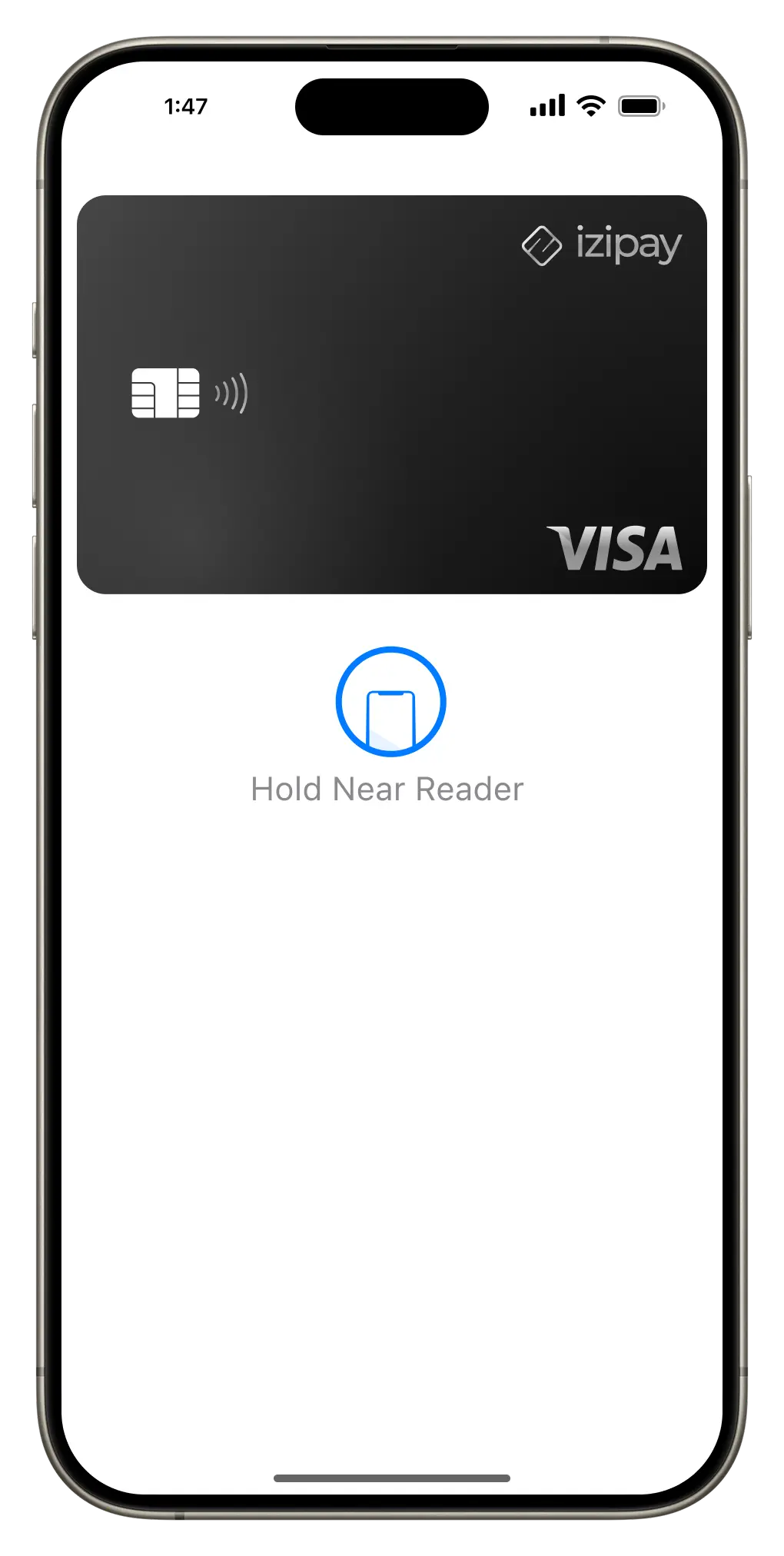
Four steps, and the first payment can happen the same day.
Create an account with your email and order the Virtual Card. The number, expiry date and CVV appear in your dashboard.
Send USDT or USDC over Tron, Ethereum, BNB Chain or Polygon. The money lands on the card in US dollars.
Open Wallet on your iPhone, tap +, choose Debit or Credit Card and type in the card details. To verify, pick the email option: the code appears in your izipay dashboard.
Double-click the side button, look at the screen for Face ID and hold the iPhone near the terminal. That is the whole payment.
Any terminal that shows the contactless symbol and takes Mastercard: supermarkets, cafes, pharmacies, transport.
Pay inside apps that show the Apple Pay button, with no card number to type.
Use the Apple Pay button at checkout in Safari on iPhone, iPad and Mac.
Apple Pay gives the shop a one-time code instead of your card number, and every payment needs your face, fingerprint or passcode.
Mastercard for Apple Pay, shops and online checkouts. Ready in minutes.
Also works with Apple Pay, plus chip payments and cash at ATMs worldwide.
Our Visa and online Mastercard are made for ads, AI tools and subscriptions. For paying by phone, take the Virtual Card.
Do not call any number the phone shows. A call request means the settings on the phone point to different countries, and the email option got hidden.
Stuck? Write to us in the chat on this page and we will walk you through it.
Yes. The izipay Virtual Card is a Mastercard you top up with USDT or USDC. You add it to Apple Wallet like any bank card and pay by phone in shops, in apps and online.
No ID upload. You sign up with an email address. When you add the card to Apple Wallet, the verification code arrives in your izipay dashboard.
iPhone with Face ID or Touch ID and Apple Watch. Online, the Apple Pay button also works in Safari on iPad and Mac.
The Virtual Card costs $59.99 once, with no monthly fee. Top-up fees depend on the network you send from and are listed on the pricing page.
USDT and USDC on Tron, Ethereum, BNB Chain and Polygon. The card balance is in US dollars.
Do not call. Remove the card, make sure your account region, billing address and connection point to one country, then add the card again and choose email. If it still fails, write to our support chat.
Yes. The Virtual Card works with both Apple Pay and Google Pay, so you can switch phones without ordering a new card.
Order the card, top up with USDT or USDC and add it to Apple Wallet today.
Get the card