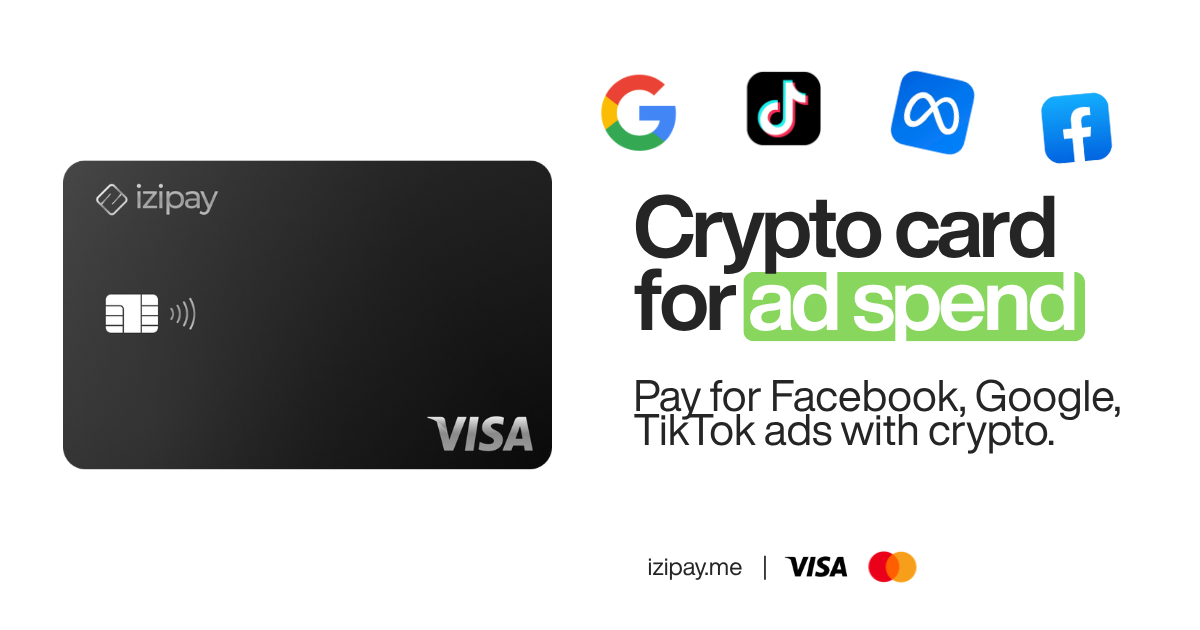
YouTube Premium removes ads, unlocks background play and offline downloads, and comes bundled with YouTube Music. But Google's billing system only accepts standard cards and does not take cryptocurrency directly. If you hold most of your money in USDT, USDC or BTC and would rather not hand a bank card and personal details to Google, you need a bridge between your crypto and Google's checkout.
This guide shows how to pay for YouTube Premium with crypto using a no-KYC virtual Visa from IZIPAY: fund it with stablecoins or Bitcoin, add it to your Google account, and keep your subscription running with no bank involved.
Why YouTube Premium won't take crypto directly
Google runs one of the most conservative billing networks online. It is built for standard, compliant debit and credit cards and is tuned to reject anything it treats as high risk. That creates two problems for crypto-first users:
- No crypto rails. There is no option to pay Google with USDT or Bitcoin at checkout. You always need a card number.
- Prepaid and low-tier cards get declined. Many cheap virtual cards run on BINs that Google's risk engine flags, so the card is refused or the subscription silently fails to renew.
The fix is not "a crypto card" in the loose sense. It is a standard-compliant virtual Visa that happens to be funded by crypto but presents to Google exactly like a normal bank card. That is what IZIPAY issues.
What IZIPAY actually is
IZIPAY gives you a no-KYC virtual Visa card that you top up with crypto and spend anywhere Visa is accepted online. The relevant facts for a YouTube Premium subscription:
- No KYC. No ID upload, no selfie, no bank account. You create the card and use it.
- Fund with USDT, USDC or BTC. Load the card from your own wallet; the balance shows up as spendable dollars.
- Premium BINs that clear Stripe and Google checkouts. The card runs on card ranges that pass mainstream billing checks, so it behaves like a normal Visa at Google.
- $0 monthly fees. There is no recurring maintenance cost eating into your balance between renewals.
- Flat 3% top-up fee. You pay a simple 3% when you load crypto onto the card. No hidden FX games layered on top.
- Apple Pay and Google Pay. Add the card to your mobile wallet and pay with a tap where those are supported.
That is the whole product. It is a spending card, not a wallet or an exchange - you bring the crypto, IZIPAY turns it into a Visa you can point at YouTube.
How to pay for YouTube Premium with USDT: step by step
- Create your virtual Visa. Go to izipay.me and issue a card. No KYC, no bank details - you get card number, expiry and CVV.
- Top up with crypto. Send USDT, USDC or BTC from your own wallet to the card. A flat 3% top-up fee applies and the balance becomes spendable dollars.
- Add the card to Google. In your Google or YouTube account, open Payments & subscriptions → Payment methods → Add card, and enter your IZIPAY Visa details. Optionally add it to Apple Pay or Google Pay for one-tap use elsewhere.
- Subscribe to YouTube Premium. Choose your Premium plan and confirm. Google charges the Visa like any other card, and future renewals draw from your card balance - keep it topped up so the subscription never lapses.
That is it. No bank statement line item tying you to the subscription, and no crypto-to-fiat scramble every month.
Which crypto should you fund with?
All three supported assets work, but they suit different priorities:
- USDT or USDC (recommended). Stablecoins are pegged to the dollar, so the amount you load is the amount you can spend. That predictability matters for a recurring charge - you always know a renewal will clear. USDC and USDT behave the same way at top-up; pick whichever you already hold.
- BTC. Bitcoin works if that is where your funds sit, but its value moves, so the dollar balance on your card can drift between the moment you load it and the moment Google charges you. Keep a slightly larger buffer if you fund with BTC.
For a subscription you want to "set and forget," stablecoins are the cleaner choice. Whatever you send, remember the flat 3% top-up is applied when the crypto lands, so load a little extra to cover it.
Is this safe and will my account get flagged?
A common worry is that using a crypto-funded card will get a YouTube account limited or banned. In practice, Google is not checking whether the money behind a Visa originated in crypto - it sees a standard Visa authorization and either approves or declines it. What actually causes trouble is using cheap prepaid cards on low-trust BINs that Google's risk engine rejects, or letting the balance run dry so a renewal fails. IZIPAY sidesteps the first problem with premium BINs built to clear mainstream checkouts, and the second is on you: keep the card funded.
On the privacy side, the benefit is straightforward. Your bank never sees a "YouTube" line item because the charge lands on the IZIPAY Visa, not on a bank account tied to your identity. The card is issued without KYC, so you are not handing Google or a card issuer an ID document just to remove ads from your videos.
Troubleshooting a declined or failed renewal
If a charge does not go through, the cause is almost always one of these, in order of likelihood:
- Insufficient balance. The most common issue. Top up so the balance covers the plan price plus a small buffer, and remember the 3% top-up fee reduces what actually lands.
- Timing on a fresh top-up. Crypto needs network confirmations before the balance is usable. Fund the card a little ahead of renewal day rather than at the last minute.
- Wrong card details. Double-check the number, expiry and CVV entered into Google's payment form; a single mistyped digit will fail.
Fixing the balance and re-entering the card almost always resolves a failed YouTube Premium renewal.
Crypto card vs. bank card for YouTube Premium
| Factor | Bank / traditional card | IZIPAY virtual Visa |
|---|---|---|
| KYC / ID required | Yes, full bank onboarding | No KYC |
| Funded by | Fiat bank balance | USDT, USDC or BTC |
| Monthly fees | Often account/card fees | $0 monthly |
| Top-up cost | N/A | Flat 3% |
| Privacy from your bank | Every charge on your statement | No bank sees the charge |
| Accepted at Google checkout | Yes | Yes - premium BINs clear it |
| Mobile wallets | Usually | Apple Pay / Google Pay |
The point of difference is not just privacy. It is that a crypto-funded Visa lets people who keep their money in stablecoins pay Google at all, without first moving funds into a traditional bank.
Keeping your subscription from lapsing
Because YouTube Premium renews automatically, the only thing you have to manage is your card balance. A few practical tips:
- Keep a small buffer. Load a little more than one month's Premium price so a renewal never fails on an empty card.
- Prefer stablecoins for predictability. USDT or USDC hold their value, so the dollars you load are the dollars you can spend. BTC works too but its value moves.
- Top up before renewal day. If you fund the card the day a charge is due, factor in the flat 3% and network confirmation time.
Beyond YouTube: one card for your digital subscriptions
The same IZIPAY Visa works across mainstream online checkouts, so a single card can cover the rest of your subscription stack the same way it covers Premium. If you are consolidating crypto-funded spending, these related guides help:
- Pay for anything with crypto - the no-KYC card - the flagship overview of how the card works across merchants.
- The best no-KYC virtual crypto card - what to look for and how IZIPAY compares.
- Pay for AI tools with crypto - using the same card for ChatGPT, Claude and other AI subscriptions.
- The IZIPAY virtual debit card - the product page with full card details.
Bottom line
YouTube will not take your USDT or Bitcoin directly, but it will happily accept a Visa. IZIPAY turns your crypto into exactly that: a no-KYC virtual Visa, funded with USDT, USDC or BTC, with $0 monthly fees and a flat 3% top-up, that clears Google's checkout and renews your Premium subscription without a bank in the loop.
Ready to go ad-free on your own terms? Get your IZIPAY card and pay for YouTube Premium with crypto in minutes.