How to Buy GitHub Copilot with Crypto: Pay for Your Copilot Subscription with USDT or BTC (2026 Guide)
GitHub Copilot has quietly become the default pair-programmer for millions of developers. Whether you are on the $10/month Copilot Pro plan, the $19/user Business tier, or paying per premium request for Copilot's agent features, one thing has not changed: GitHub bills you through a traditional card, not a crypto wallet.
For developers who earn, save, and spend in stablecoins — freelancers paid in USDT, teams in regions with limited banking access, or anyone who simply prefers not to hand a bank card to every SaaS vendor — that billing wall is a daily friction point.
The short version: GitHub does not accept cryptocurrency for Copilot. But you can absolutely fund your Copilot subscription with crypto by bridging your USDT, BTC, or ETH onto a virtual Visa card, then attaching that card to your GitHub billing. Here is exactly how it works.
Why GitHub Copilot needs a payment card
Copilot is a paid product managed through GitHub's billing system (the same system that handles Actions minutes, Codespaces, and GitHub Pro). Every paid plan requires a valid card on file:
- Copilot Pro — around $10/month or $100/year for individuals.
- Copilot Pro+ — roughly $39/month for the higher premium-request allowance.
- Copilot Business — $19 per user/month for teams and organizations.
GitHub charges these subscriptions on a recurring basis and settles them through its payment processor. There is no "pay with Bitcoin" button anywhere in the checkout. If your card fails at renewal, Copilot access is suspended mid-sprint — not ideal when it is wired into your editor.
Why crypto-native and unbanked developers get stuck
If you hold most of your money in crypto, the standard advice — "just add a Visa" — quietly assumes you already have a compliant, verified bank card. Many developers don't, or don't want to use it here:
- No local card access. In many countries, getting a card that reliably clears international USD SaaS charges is genuinely hard.
- Currency friction. Paying a USD subscription from a local-currency card means conversion spreads and occasional cross-border declines.
- Privacy. Attaching your primary bank card to yet another US tech platform ties your developer identity to your personal finances.
- Grey-market prepaid cards get declined. Cheap anonymous cards often draw from low-tier prepaid BIN ranges that GitHub's processor flags and rejects.
The result is the classic loop: you have plenty of USDT, but no clean way to convert a slice of it into a charge GitHub will actually accept.
Why an exchange card or burner card is not enough
The obvious first instinct is to reach for the debit card attached to your crypto exchange, or one of the many "anonymous" prepaid cards advertised across crypto forums. In practice, both create more problems than they solve.
Exchange-linked cards expose your primary trading account to a recurring merchant. Every renewal touches the same account that holds your capital, and if the exchange restricts card spending in your region — which happens often and without warning — your Copilot subscription goes down with it. You are also handing GitHub a direct line of sight into your main exchange identity.
Cheap burner cards fail for a more technical reason. Payment processors read the Bank Identification Number (BIN) — the first digits of the card — to judge how trustworthy the instrument is. Low-tier, grey-market prepaid cards pull from BIN ranges that are heavily associated with fraud and chargebacks, so processors decline them on sight, regardless of the balance. Retrying a declined card repeatedly can even flag your GitHub account for review.
What you actually want sits between these two extremes: a card that is properly issued and clears like a real bank card, but that you fund privately with crypto and can dedicate to a single purpose.
How izipay solves it: a no-KYC virtual Visa funded with crypto
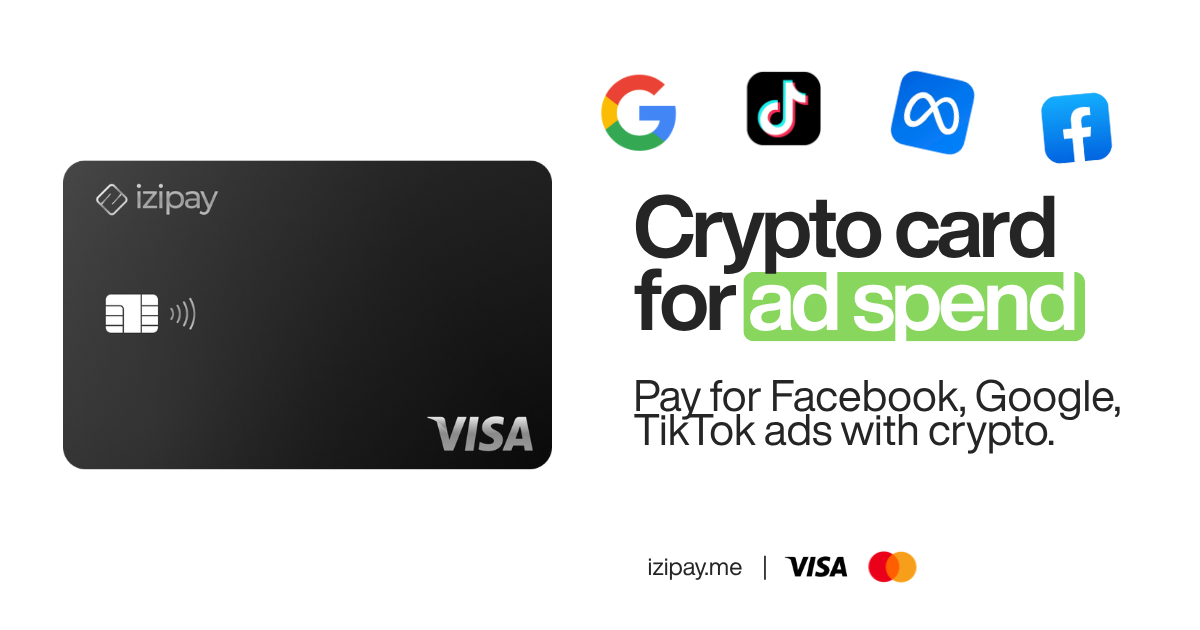
izipay.me issues virtual Visa cards that you top up with cryptocurrency — USDT, BTC, ETH, and more. The card is a normal, globally-accepted Visa as far as any merchant is concerned, so GitHub's billing system treats it exactly like a bank-issued card.
What makes it a good fit for Copilot specifically:
- No KYC for standard limits. Register with just an email — no ID upload, no bank account, no selfie.
- Funded with crypto, spent in USD. You push stablecoins to your dashboard; the card carries a real USD balance that clears international charges.
- Ready in minutes. Issue the card, fund it, and paste it into GitHub the same day.
- Isolated by design. Use a dedicated card just for Copilot (and other dev tools), keeping your subscriptions decoupled from your main wallet and identity.
If you have read our guides on how to pay for Claude with crypto or pay for ChatGPT with crypto, this is the same bridge pattern applied to your coding assistant. One virtual debit card can quietly cover your entire AI-and-dev-tools stack.
Because the card carries a genuine USD balance rather than a promise to convert crypto at checkout, GitHub's processor sees exactly what it expects: a funded, high-trust Visa. There is no crypto exposure at the merchant, no volatile conversion happening mid-transaction, and no BIN-range red flag. The crypto-to-USD step happens earlier, quietly, on your terms.
Step-by-step: pay for GitHub Copilot with crypto
1. Create your izipay account. Head to izipay.me and register with an email address. No documents, no bank details.
2. Issue a virtual Visa card. From the dashboard, generate a new virtual card. Consider naming it something like "Copilot / Dev Tools" so recurring charges are easy to track.
3. Fund it with crypto. Send USDT, BTC, or ETH to the deposit address shown in your dashboard. For an annual Copilot Pro plan (~$100) plus buffer, top up a little over that amount to cover the fee and any premium-request overages.
4. Open GitHub billing. Go to your GitHub account settings → Billing and plans → Payment information, and choose to add a new payment method.
5. Enter your izipay card details. Type in the 16-digit card number, expiry date, and CVV from your izipay dashboard. Save it as your payment method.
6. Activate or upgrade Copilot. Navigate to Copilot settings, pick your plan (Pro, Pro+, or Business), and confirm. GitHub charges the izipay card immediately, and Copilot lights up in your editor.
7. Keep a small balance for renewals. Copilot renews automatically. Leave enough USD balance on the card — or top it up before the renewal date — so the charge never fails mid-month.
Fees and things to keep in mind
- Top-up fee. izipay charges a flat, transparent top-up fee when you convert crypto to your card's USD balance. There are no hidden checkout spreads at the moment of purchase.
- Currency. GitHub bills in USD. Because your izipay card holds a USD balance, there is no surprise foreign-exchange markup at checkout.
- Keep the card funded. The most common cause of a failed Copilot renewal is an empty card, not a rejected card. Set a reminder around your renewal date.
- Use a clean connection. If you are in a heavily restricted region, use a stable, clean IP when adding the card and confirming the plan.
- One card, many tools. The same card works for GitHub Copilot, other AI subscriptions, cloud hosting, domains, and most developer SaaS — no need to provision a new one per service unless you want the isolation.
The bottom line
GitHub Copilot has become part of how modern developers write code, but its billing still lives entirely in the traditional card world. You don't need a bank to bridge that gap — you need a card that speaks both languages.
By funding a no-KYC virtual Visa with USDT, BTC, or ETH through izipay, you convert a slice of your crypto into a charge GitHub happily accepts, keep your dev-tool spending private and isolated, and never lose Copilot access to a declined payment again.
💳 Ready to code? Get your crypto-funded virtual Visa on IZIPAY → — no bank, no KYC, ready in minutes.
Related Guides
- How to Pay for Claude with Crypto (2026)
- How to Pay for ChatGPT with Crypto
- The IZIPAY Virtual Debit Card explained