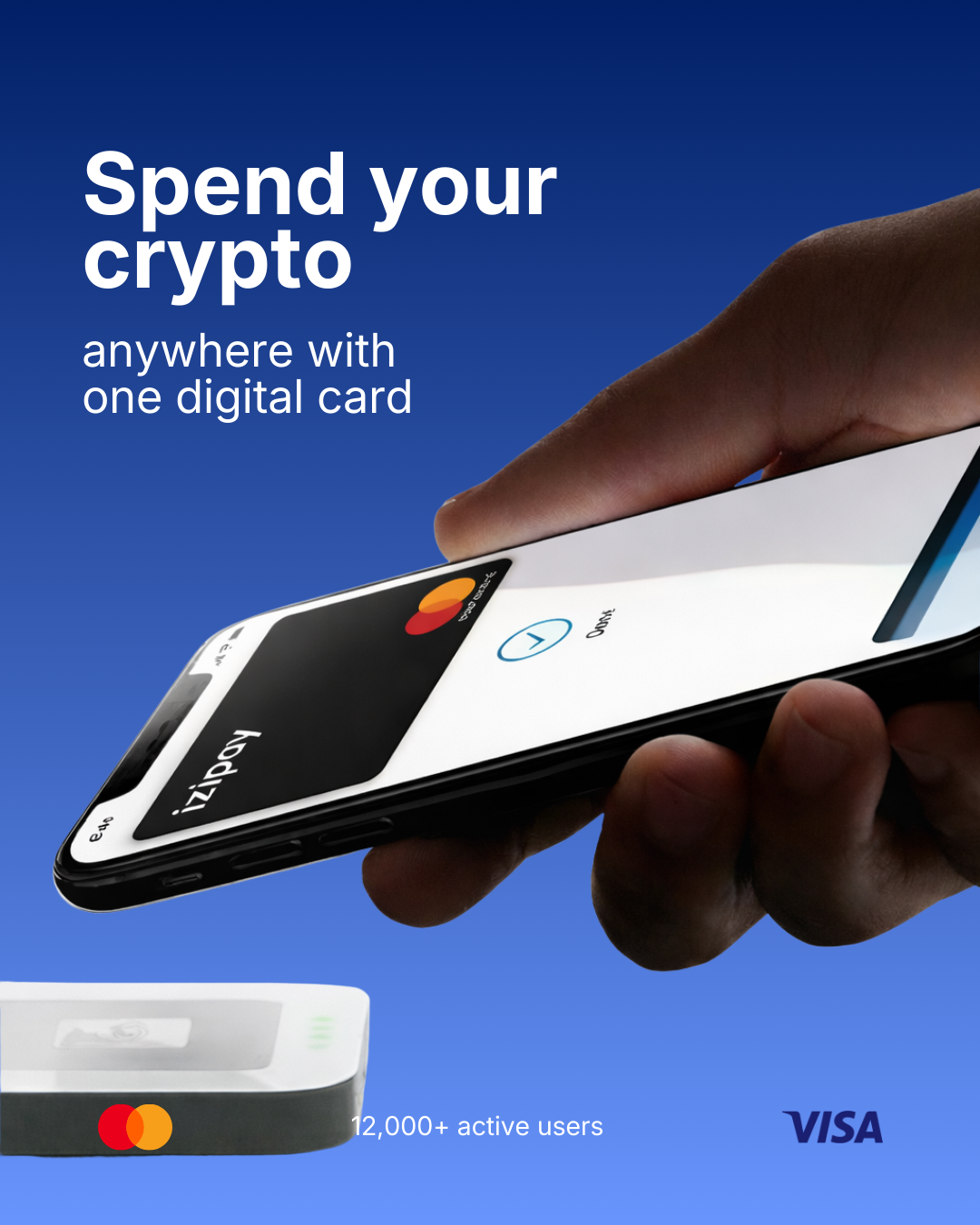
How to Fund Facebook & Google Ads With a Crypto Card (No Bank, 2026)
Getting a Facebook or Google Ads account to accept payment is one of the biggest headaches for media buyers in 2026. Cards get declined, accounts get flagged, and a single billing failure can pause a campaign mid-scale. The fix that thousands of advertisers now use: fund ad accounts with a crypto-loaded virtual card — no bank, no KYC, and a fresh card for every account.
Quick answer: Open an IZIPAY virtual card, top it up with crypto (USDT, BTC, ETH), and add it as the payment method on Facebook Ads, Google Ads, TikTok Ads or Snapchat. The BIN passes reliably, you can issue unlimited cards to isolate accounts, and there's no bank account involved.
Why Media Buyers Struggle to Pay for Ads
- Declined cards. Ad platforms are strict; many debit and prepaid BINs are rejected outright.
- Account bans cascade. When one card is flagged, every account sharing it can go down.
- No banking access. Agencies and buyers in many regions simply can't get a business card that ad platforms accept.
- Scaling risk. A billing failure at 2 a.m. pauses your best campaign.
The Solution: One Crypto Card Per Ad Account
A virtual card you fund with crypto solves all four problems at once:
- A BIN that passes. IZIPAY cards run on Visa/Mastercard rails that Facebook and Google accept.
- Unlimited cards. Issue a separate card for each ad account so a problem on one never touches the others.
- Crypto top-up. Fund from your wallet in minutes — no bank, no wire delays.
- No KYC. Open with just an email and start spending.
Learn more on the virtual cards for ads hub.
Step by Step: Fund a Facebook Ads Account With Crypto
- Create your card. Sign up at izipay.me/register and issue a virtual card (about two minutes).
- Top up with crypto. Add USDT (TRC-20 is cheapest), Bitcoin, ETH, USDC, SOL or BNB. Load a little extra to cover the daily spend plus fees.
- Add the card in Ads Manager. Facebook → Payment settings → Add payment method → enter the IZIPAY card number, expiry and CVV.
- Set it as primary. Make the crypto card your primary method so billing runs against it automatically.
- Scale safely. Keep a healthy balance; top up again anytime. Issue a new card for each additional account.
The same flow works for Google Ads, TikTok Ads and Snapchat Ads.
Facebook vs Google vs TikTok: What to Watch
| Platform | Billing model | Tip | |---|---|---| | Facebook / Meta | Threshold + auto-charge | Keep balance above your daily cap × 2 | | Google Ads | Threshold billing | Add card as primary, set account-level backup | | TikTok Ads | Prepaid top-up | Fund the ad wallet directly from the card | | Snapchat | Auto-charge | Watch for verification holds ($1 auth) |
Why Crypto Instead of a Bank Card?
- Speed: fund in minutes vs bank transfer delays.
- Isolation: a new card per account contains risk.
- Access: works in regions where business banking for ads is impossible.
- Control: load exactly what a campaign needs; no overdraft, no chargebacks against your main account.
Fees
Two simple costs: a one-time $49.99 to issue a virtual card, and a flat 3% to top up with crypto. No monthly fee. See the pricing page.
Conclusion
Declined ad cards kill campaigns. A crypto-funded virtual card gives media buyers a BIN that passes, unlimited cards to isolate every account, and instant top-ups with no bank and no KYC.